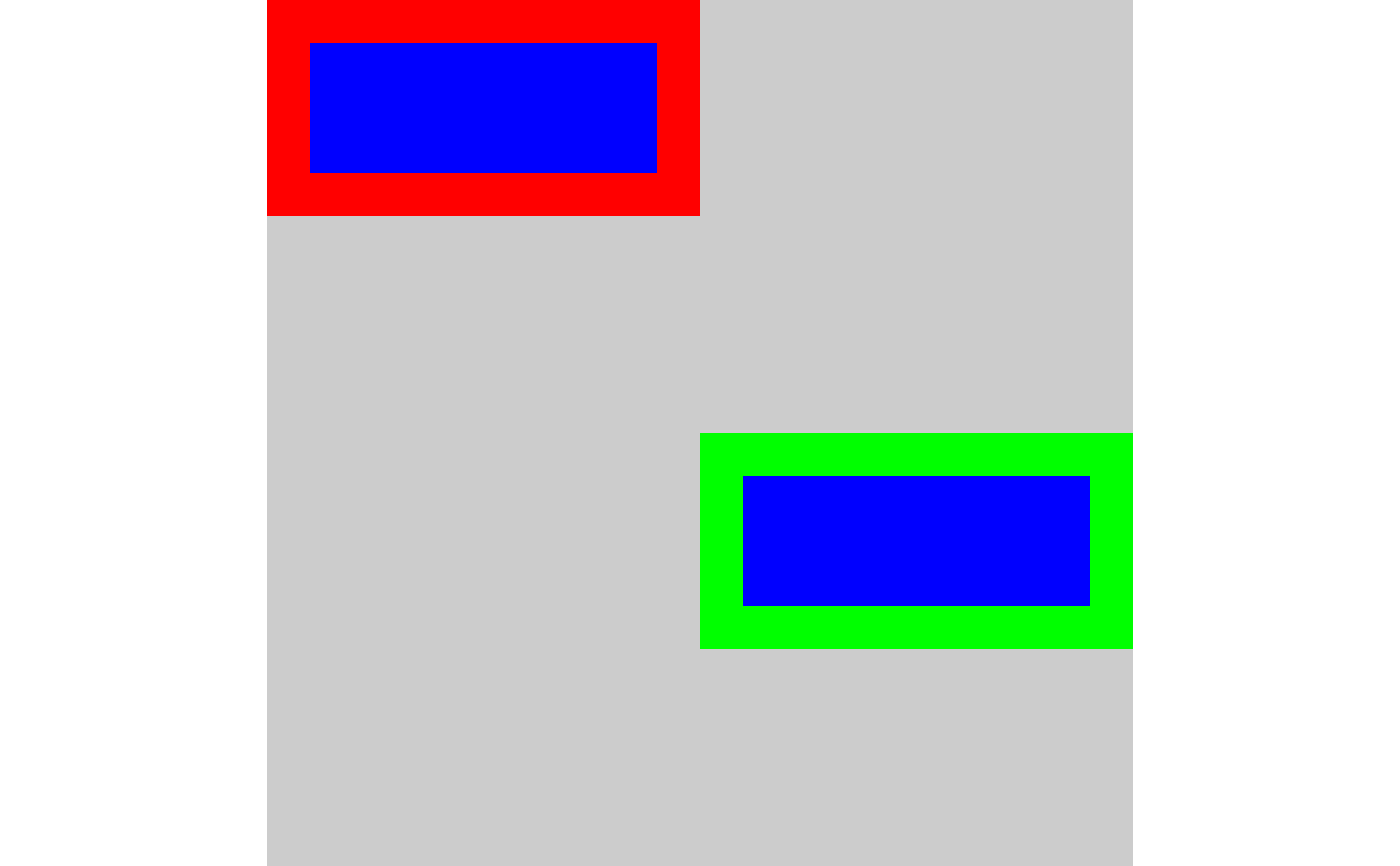
Draw rectangles on a native raster image
nr_rect(
  nr,
  x,
  y,
  w,
  h,
  fill = "black",
  color = NA,
  hjust = 0,
  vjust = 0,
  linewidth = 1,
  use_alpha = TRUE
)
Arguments
- nr
native raster image
- x, y
coordinates of lower left corner of rectangle. [vector]
- w, h
width and height of rectangle. [vector]
- fill
interior fill color [vector]
- color
outline color. Default: NA. [vector]
- hjust, vjust
specify horizontal and vertical justification of the handle on the
srcimage to be placed at(x, y)within thedstimage. Default (0, 0) is to use the top-left corner of the image as the handle. Use (0.5, 0.5) to centre thesrcimage at thedstlocation(x, y)- linewidth
Line linewidth. Default: 1. If
linewidth = 1then a naive version of Bresenham is used to draw the points. If linewidth is greater than 1, then the line is convert to a triangle strip and rendered as polygons.- use_alpha
Use alpha channel when drawing? Logical. Default: TRUE
Value
Invisibly return the supplied native raster image which was been modified in-place
See also
Other drawing functions:
nr_circle(),
nr_polygon(),
nr_polyline(),
nr_tri_mesh()